






InSyte: Purchasing Coordinator
InSyte ensures suppliers deliver what they promised, when they promised it. Reduce the time your team spends chasing suppliers and get what you need faster.
Request a Demo
From Chasing Suppliers to Proactive Purchasing Coordination
SyteLine provides robust functionality for placing orders with accurate lead times. However, if those aren’t followed or shipped in time, buyers need to check up on open purchase orders to make sure goods arrive on time. With dozens or hundreds of open POs to manage, follow-ups can be missed, and delivery delays may go unnoticed until materials are needed.
InSyte automates routine supplier follow-ups, helping ensure every open purchase order receives attention, not just those tied to the highest-spend suppliers.
Automate Supplier Follow-Up
InSyte helps purchasing teams stay ahead of delivery delays by automating supplier follow-ups for open purchase orders in SyteLine. It contacts vendors before due dates, follows up on overdue orders, and brings supplier responses and proposed delivery changes to buyers for review. Buyers stay in control of purchasing decisions. Revised delivery dates require approval before they update your ERP, helping your team maintain accurate information for planning.

 Monitor Open POs
 Contact Vendors
 Follow Up on Late Deliveries
 Review and Update Due Dates
InSyte checks open purchase orders and due dates in SyteLine to identify upcoming deliveries that need a supplier check-in.
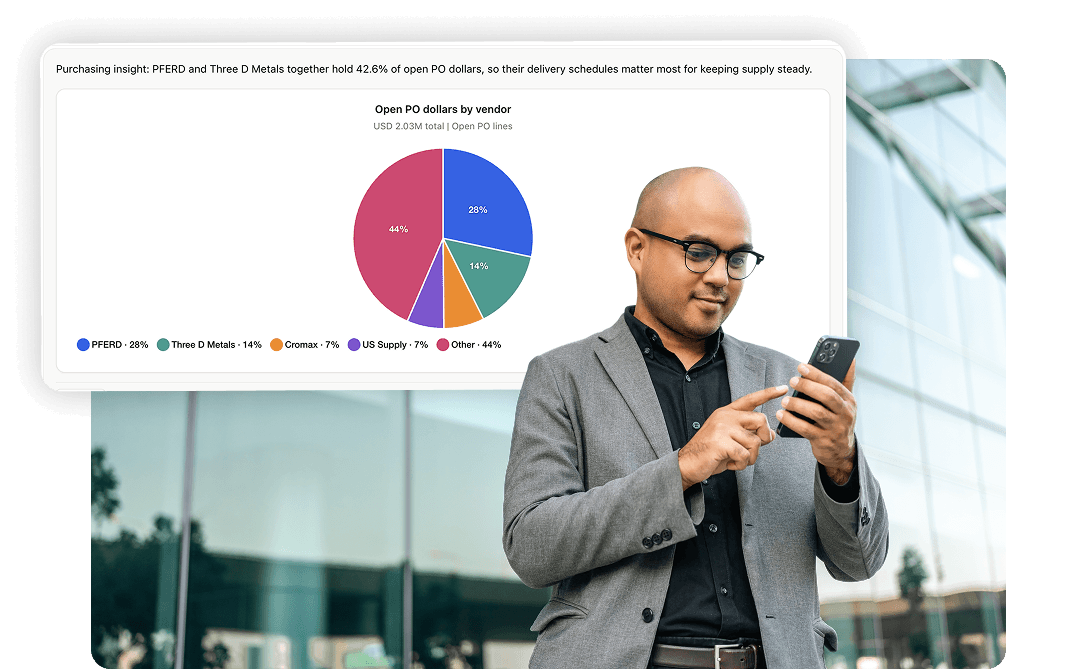
Before an order is due, InSyte sends a friendly email to suppliers to confirm whether the delivery is on track. You can set how far in advance the message should be sent and what the message says.
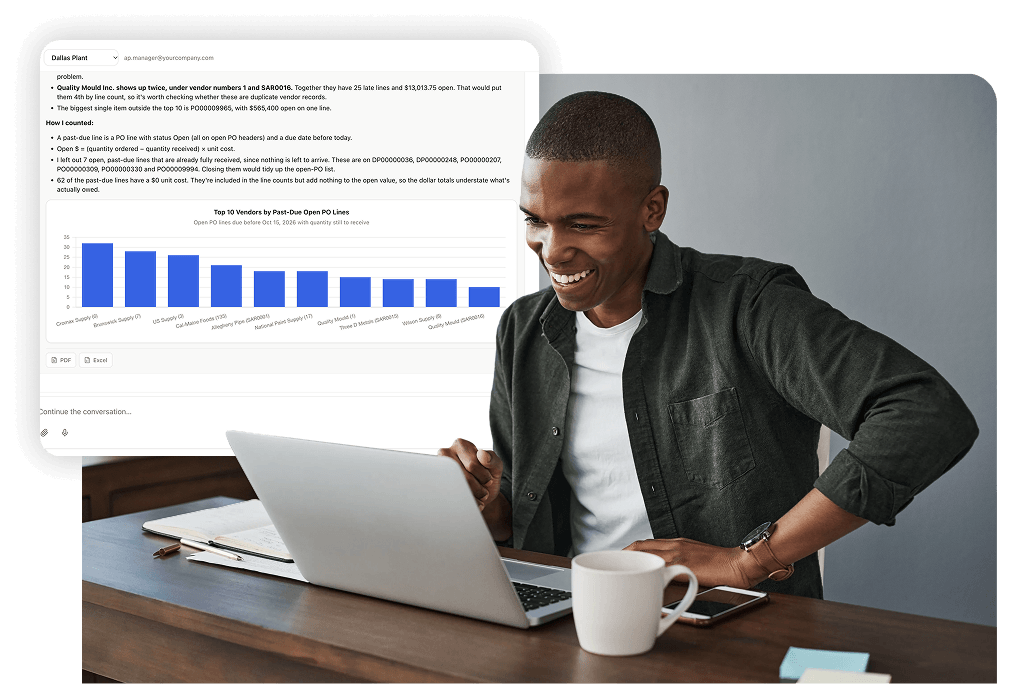
When a PO passes its due date, InSyte continues following up according to your schedule. Supplier replies are captured so buyers can identify orders that need attention.

When a supplier proposes a new delivery date, the buyer reviews the response and approves or rejects the change. Approved dates are then updated in your SyteLine ERP.

InSyte Simplifies Purchasing Coordination
-
Catch Potential Delays Earlier
Contact suppliers before delivery dates arrive to identify orders that may put production schedules or material availability at risk.
-
Make Follow-Ups Consistent
Run supplier check-ins and overdue PO follow-ups on a defined schedule instead of relying on buyers to remember which vendors need another call or email.
-
Focus on the Orders That Need Attention
Routine confirmations are handled automatically, giving buyers more time to address late deliveries, supply issues, and unanswered supplier requests.
-
Keep Delivery Dates Accurate
Review supplier-proposed date changes before they update SyteLine, so your team retains control over the information used for purchasing and planning.
Product Brochure: Purchasing Coordinator
Learn how InSyte handles supplier check-ins, follows up on overdue purchase orders, and brings revised delivery dates to buyers for review.
Frequently Asked Questions
What is InSyte?
InSyte by Decision Resources is a platform of AI agents that support your routine ERP work within Infor SyteLine or CloudSuite Industrial.
Think of it as a co-worker that supports your team by automating work and improving accuracy and efficiency.
InSyte reads emailed invoices and customer POs, checks them against your ERP, creates the vouchers and orders, and answers questions from live ERP data, all under the rules and approvals you set.
InSyte was built on 40+ years of manufacturing experience and a deep understanding of Infor SyteLine and CloudSuite Industrial.
Which ERP systems does InSyte work with?
InSyte is built for Infor CloudSuite Industrial and Infor SyteLine version 9.01 and later.
What is InSyte Purchasing Coordinator?
InSyte Purchasing Coordinator is a workflow in the InSyte Platform that automates PO follow-up for manufacturers on Infor SyteLine. Every day it checks your open purchase orders, emails vendors a check-in before each PO is due, follows up on late POs until you have an answer, and sends any new dates to your buyer to approve.
Where do the vendor email addresses come from?
InSyte Purchasing Coordinator sends to the vendor contacts already in SyteLine. The vendor contacts you already keep in SyteLine are the list.
Can we control which vendors and buyers get follow-up emails?
Yes. You choose which vendors or buyers InSyte covers, how many days before the due date the check-in goes out, and how often late POs are followed up, daily if you want. All settings are written in plain English.
Can we edit what the emails say?
Yes. You choose what the check-in message says, and late-PO follow-ups can escalate in tone if you want them to.
What happens when a vendor replies with a new date?
The new date goes to your buyer to accept or push back. Once the buyer approves it, InSyte updates the PO in SyteLine, so planning works from real dates.
How is InSyte priced?
One annual platform license. One license covers your whole team, so add approvers and reviewers as you need them. Contact Decision Resources for an itemized quote.
How is InSyte different from just connecting an LLM (Claude, ChatGPT, Copilot) to Infor SyteLine directly?
Connecting an LLM directly to your ERP may give you a starting point, but it doesn’t give you a complete, secure solution for working with ERP data and processes. InSyte is purpose-built for SyteLine and CloudSuite Industrial, with the following advantages:
- Built-in ERP knowledge: InSyte has thousands of SyteLine IDOs already mapped, saving months of development work. It uses SyteLine’s own business logic to interact with your ERP rather than bypassing it with direct database writes.
- Security and user-level permissions: InSyte respects each user’s existing SyteLine permissions, so users can only access the data they’re authorized to see. Administrators can also control access to InSyte modules, such as AP Automation, on a user-by-user basis.
- Controlled ERP changes: Users can review and confirm changes before they’re committed to the ERP. Every change is logged, and administrators control write access down to the individual IDO.
- Managed AI usage and costs: InSyte is optimized for token efficiency, with visibility into consumption by user and the ability to set individual usage limits.
- Ready-to-use functionality: InSyte includes built-in workflows like AP Automation and Sales Order Automation. Customers are already processing real invoices through the platform. You’re getting working business applications, not just an AI connection that still needs to be developed into a solution.
In short, InSyte brings together the ERP knowledge, security, controls, and ready-to-use functionality needed to put AI to work in your everyday business processes.